Virtual Music Quiz for Remote Teams (Zoom-Friendly)
Remote social events have a harder job than in-person ones — no shared room energy, no incidental chatting, and everyone's one click away from muting out. A music quiz is one of the few formats that consistently works anyway, if you set it up right.
Why Music Quizzes Translate Well to Remote
A lot of team-building activities lose most of their value over video call — physical games obviously don't work, and open-ended "icebreaker" discussions tend to fall flat without in-person energy to carry them.
A quiz doesn't have that problem: everyone already understands the format, there's a clear score to care about, and the actual gameplay happens on each person's own device rather than depending on video quality or everyone talking at once.
The Screen-Share Setup
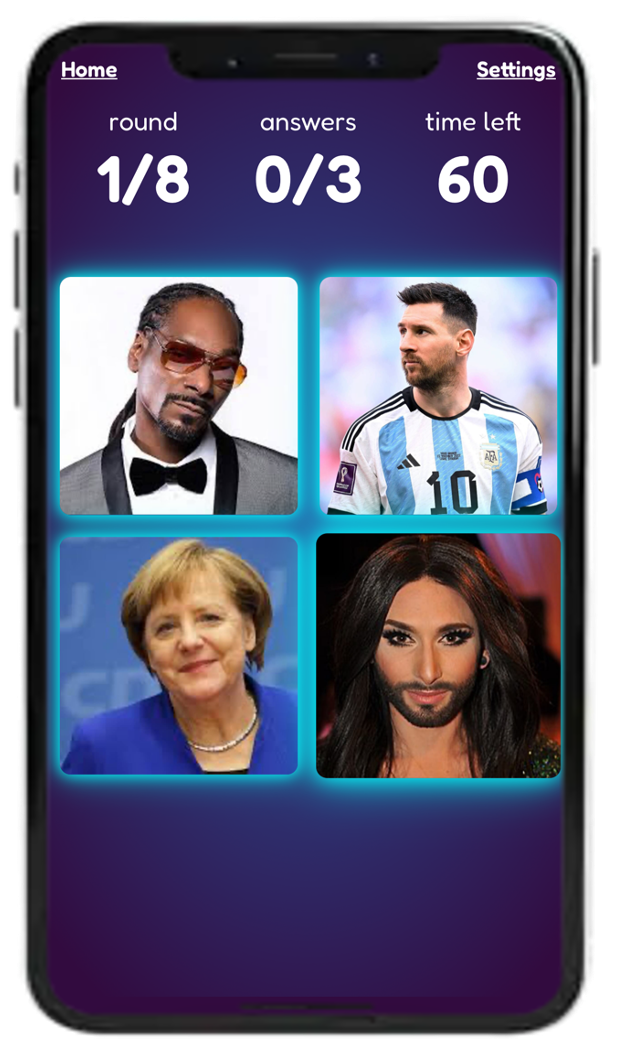
The simplest setup is one host screen-sharing the game (showing the current clue or question) while everyone else plays on their own phone or second device — the same split as an in-person quiz where one screen shows the question and everyone answers on their own phone.
This avoids the common remote-quiz mistake of trying to run everything inside the call itself (typed chat answers, verbal call-outs) — that gets messy fast past 5–6 people and makes scoring genuinely difficult to track live.
Keeping a Distributed Group Engaged
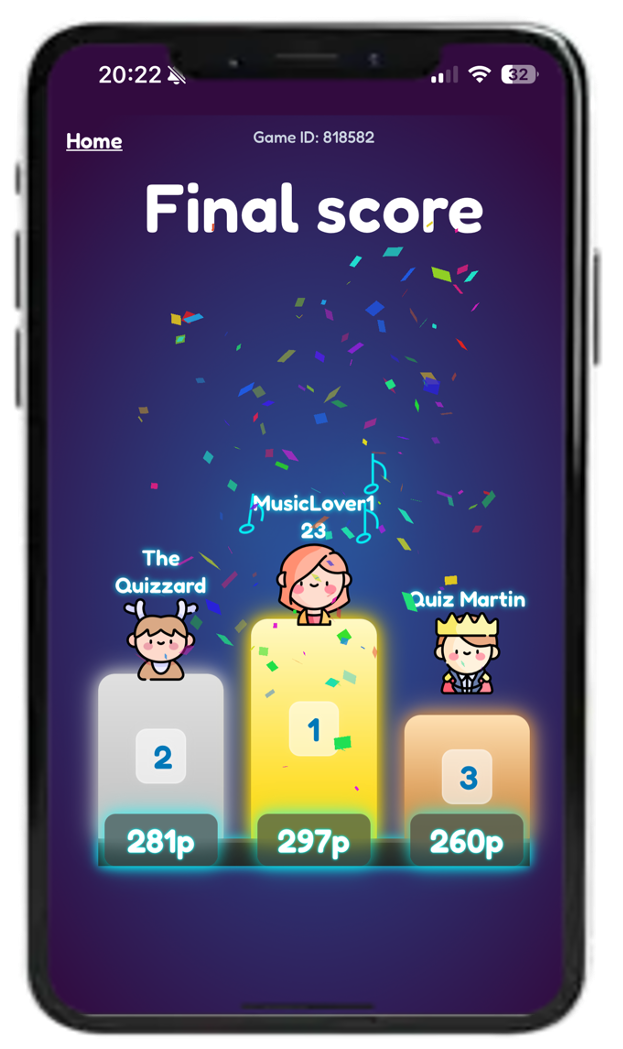
A visible, constantly updating leaderboard matters even more remotely than in person — it's often the only shared visual focal point everyone has, and it gives people a reason to stay tuned in between questions rather than checking Slack.
Keep rounds shorter than you would in person (6–8 questions rather than 10–15) — attention drops faster over video call, and shorter rounds with a break between them keep energy higher than one long unbroken session.
Running It Without Extra Software
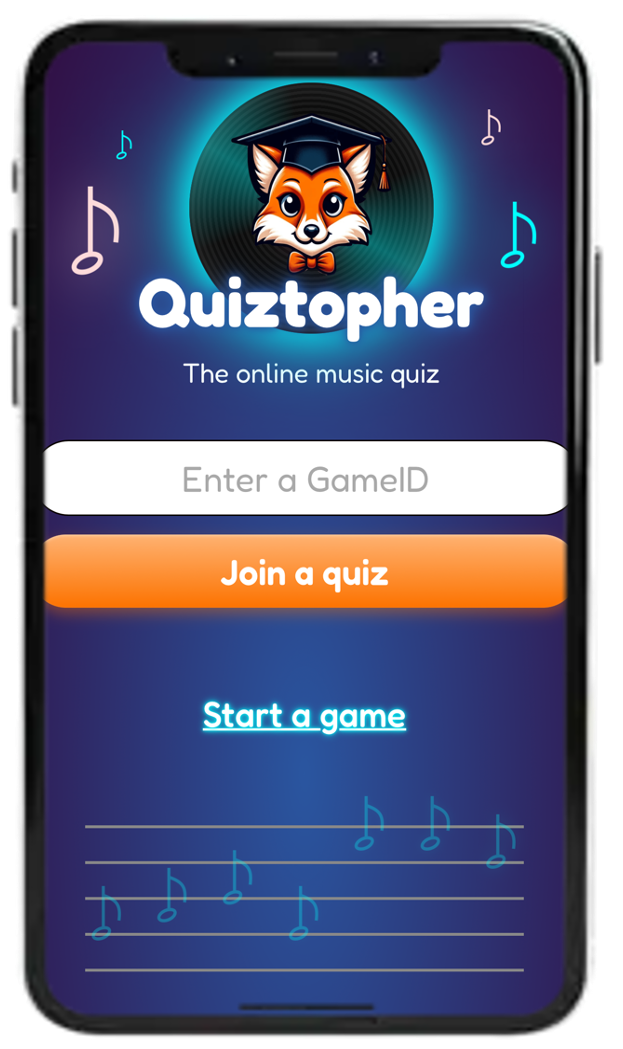
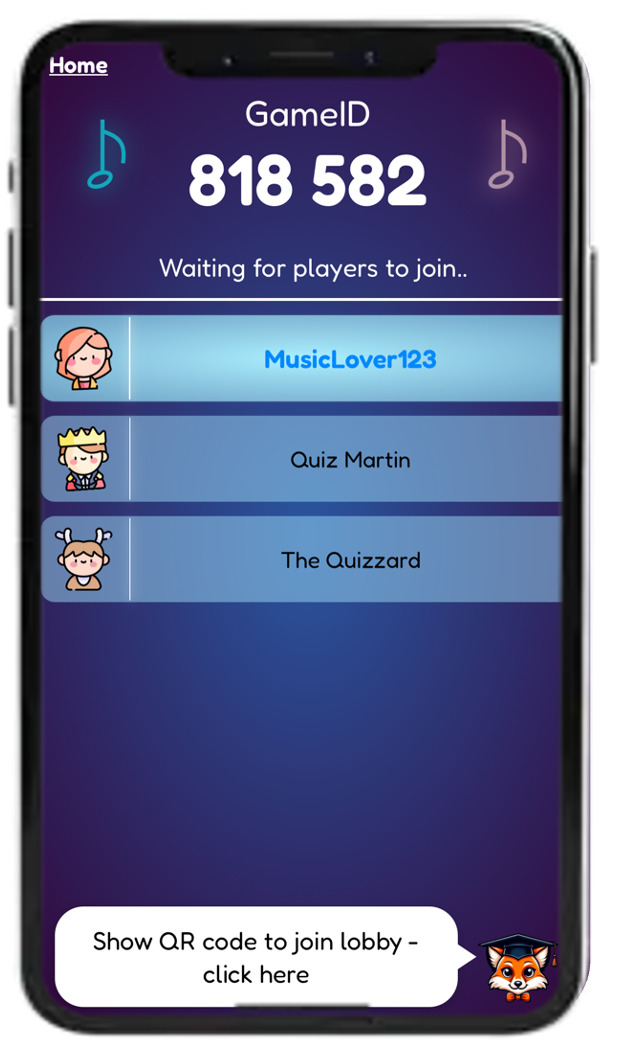
The friction point for a lot of remote quizzes is asking people to install something extra on top of whatever video tool you're already using. Quiztopher avoids that layer: players join by scanning a QR code or entering a game code directly in their phone's browser, no app or account required, while the host screen-shares the game from their laptop as normal.
It works the same way for a fully remote team as a hybrid one where some people are in a meeting room and others are joining individually.
FAQ
What video call tool does this work with?
Any of them — the quiz itself runs independently in the browser, so it works the same whether you're on Zoom, Teams, Meet, or anything else, as long as the host can screen-share.
How many people can join a remote quiz?
There's no meaningful limit — everyone joins and answers from their own device, so it scales the same way whether you're running it for 6 people or 60.
Should remote quiz rounds be shorter than in-person ones?
Generally yes — attention tends to drop faster over video call, so shorter rounds (6–8 questions) with breaks between them usually work better than one long session.
Do participants need to download anything?
No, players join directly from their phone's browser with a QR code or game code, without installing an app.
Does this work for hybrid teams (some in-office, some remote)?
Yes — everyone joins the same way regardless of location, so an in-office group and remote participants can play together with no extra setup.
Ready to run a remote quiz for your team?
Screen-share the game, and let everyone join from their own phone — works the same whether your team is fully remote or hybrid.
Start Free