How to Host a Music Quiz Night: Step-by-Step Guide
Hosting a good music quiz isn't complicated, but a few decisions upfront — format, question count, scoring — make the difference between a night that drags and one people ask you to repeat. Here's the full process, start to finish.
Step 1: Decide Who You're Hosting For
The single biggest factor in a good quiz isn't the questions — it's matching the difficulty and theme to your actual audience. A quiz that's perfect for a group of music-obsessed friends will alienate a mixed office crowd, and vice versa.
Before writing a single question, decide roughly how many rounds you need, how competitive the group is, and whether everyone shares a common musical reference point (a specific decade, genre, or region) or you need broad coverage instead.
Step 2: Pick a Format
There are a few common formats, each suited to a different group size and energy level:
- Clue-based — instead of a straight lyric, give a creative clue (a movie, an emoji, a color) that points to a song. Rewards lateral thinking over memorized trivia, which keeps casual players competitive.
- Multiple choice — lower the barrier to entry; good for larger, more mixed-skill groups since nobody is left staring at a blank answer.
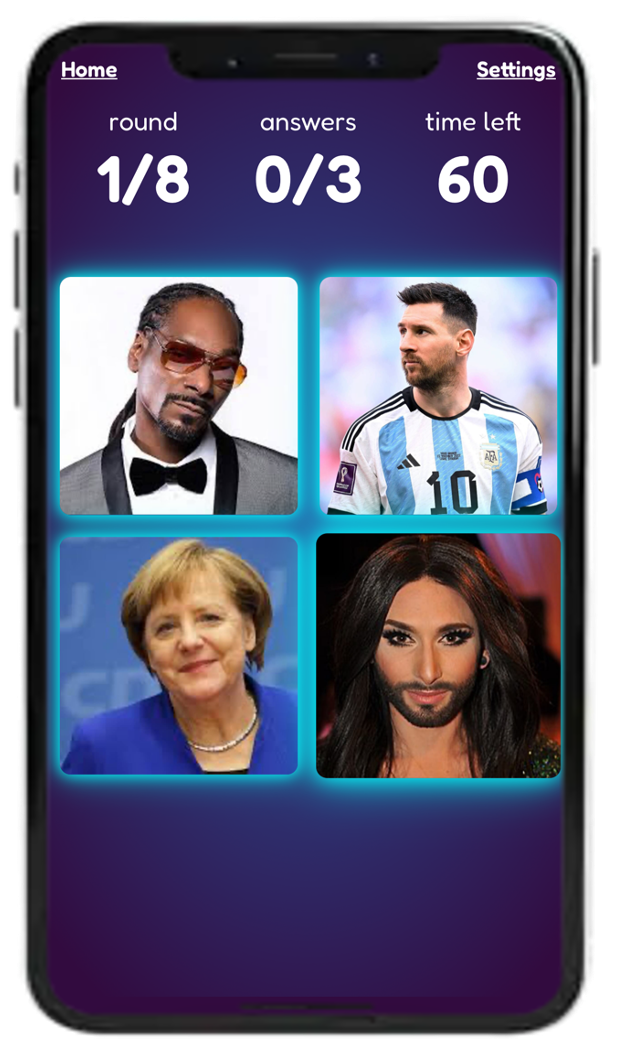
- Visual rounds — match an image to a song or artist; works well as a change of pace partway through a longer night.
- Audio rounds — play a short clip and ask players to identify the song or artist; the most classic format, and the easiest to make harder or easier just by adjusting clip length.
Step 3: Write (or Choose) Your Questions
Aim for 8–12 questions per round — long enough to feel substantial, short enough that energy doesn't drop before it ends. If you're covering more than one theme or decade, one round per theme keeps things organized and lets every player have at least one round that plays to their strengths.
If writing from scratch feels like too much work, it's usually faster to start from an existing themed quiz and adjust a handful of questions than to build every round from zero.
Step 4: Decide How You'll Score It
This is where most DIY quizzes fall apart at scale. A show of hands or a paper scoresheet works fine for 4–6 players, but past that you need either a dedicated scorekeeper (who then can't play) or a way to automate it.
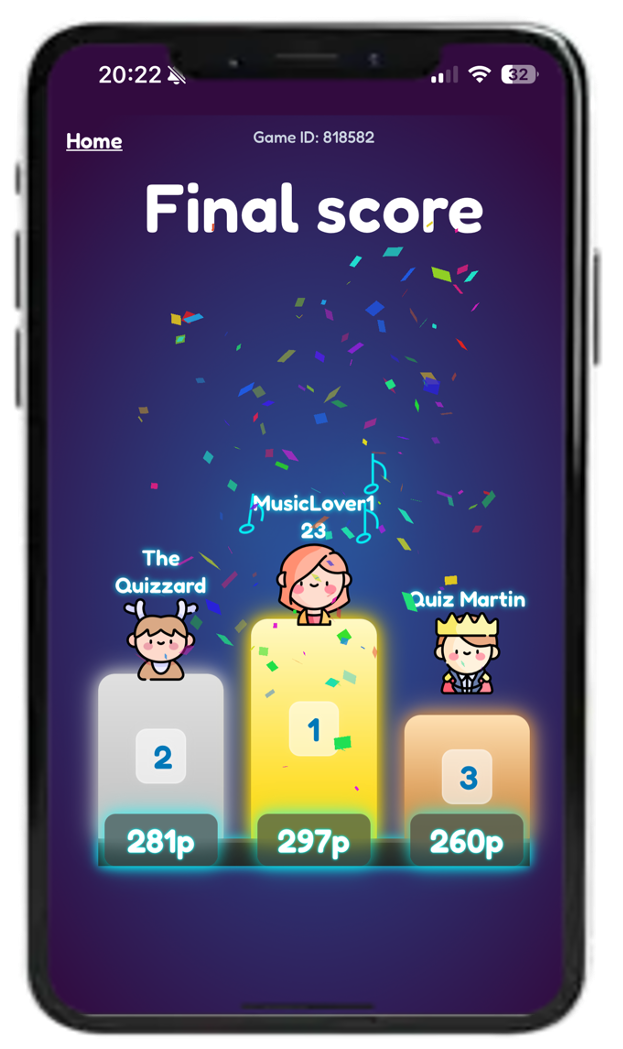
Automatic, live scoring solves this cleanly: every player answers on their own device, points are calculated instantly, and a live leaderboard keeps the competitive energy up between rounds — without anyone stepping out of the game to tally scores.
Step 5: Run It Live
On the night, the biggest practical friction point is usually getting everyone set up and ready at the same time — printed sheets need distributing, apps need installing, pens need finding.
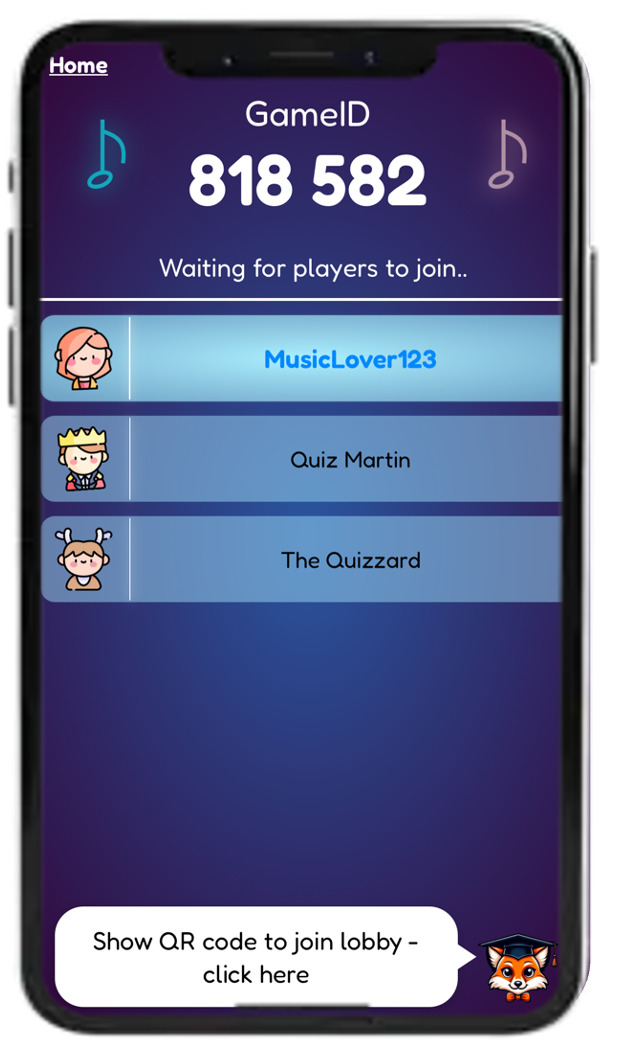
With Quiztopher, players join by scanning a QR code or entering a short game code from their own phone's browser — no app install, no account required to just play. As host, you control the pace: display the current clue or question on a shared screen, and the game handles timing, scoring, and the leaderboard automatically. Song clues can be played directly through Spotify if you want an audio round without hosting your own files.
FAQ
How many players can join a music quiz?
There's no meaningful limit for a phone-based format — everyone joins from their own device, so the group can be as small as 2 people or as large as a full venue.
Do I need to prepare all the questions myself?
No, you can start from a ready-made themed quiz (by decade, genre, or occasion) and use it as-is or tweak it, rather than writing everything from scratch.
What's the easiest way to score a quiz for a large group?
A live, automatic scoring system where players answer on their own phones is by far the easiest option past about 6–8 players — manual scoring stops scaling well beyond that.
Do I need special equipment to host?
Just a screen or projector to display the current question to the group, and phones for players to join and answer on — no printing, projector-specific software, or extra hardware needed.
How long should a full quiz night run?
Most quiz nights run 45–90 minutes across several rounds; longer than that and energy tends to drop unless you're mixing in games or power-up rounds to change the pace.
Ready to host your own quiz?
Skip the printed sheets and manual scoring — run a live, automatically-scored music quiz that anyone can join from their phone in seconds.
Start Free